

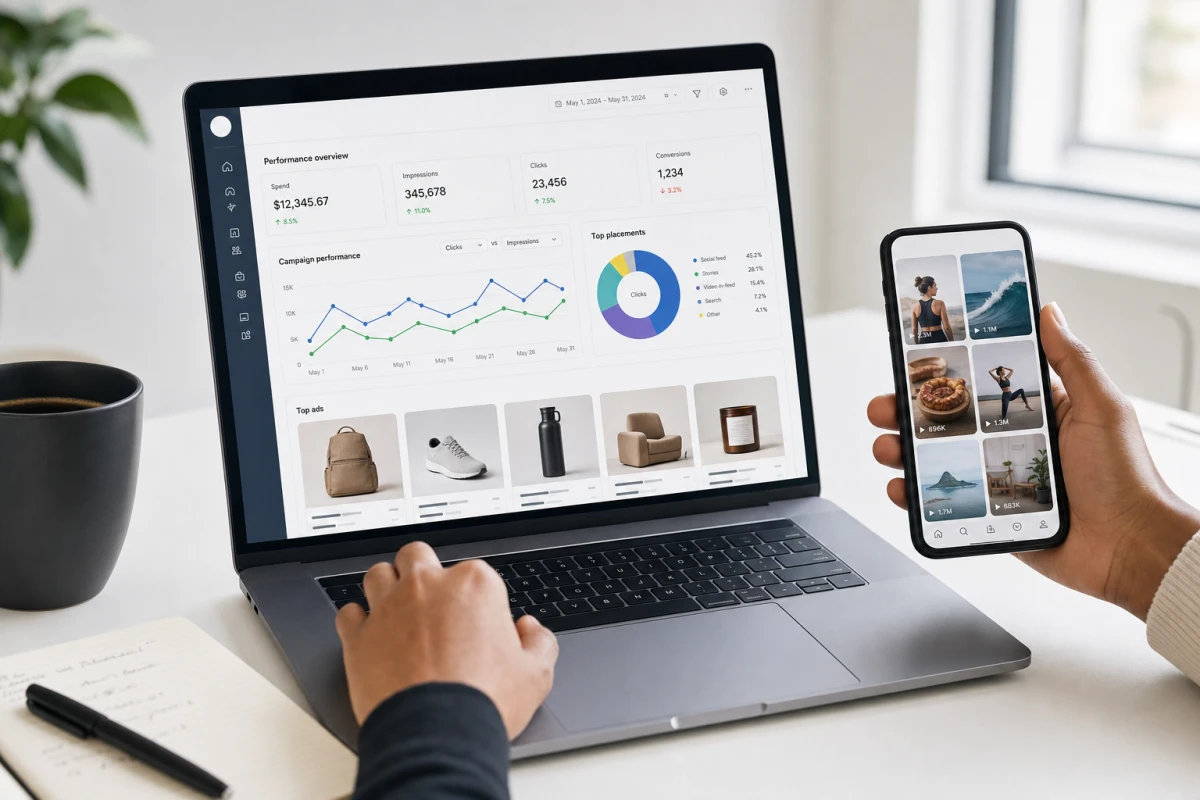
TikTok has changed how people find and buy products online. Unlike search-based platforms where users arrive with a specific intent, TikTok introduces products through short-form video content, reaching buyers before they even know they want something. That distinction makes it one of the most valuable channels for ecommerce brands right now.
Setting up TikTok Shop Ads with Shopify integration, however, requires more than just creating an account and launching a campaign. The entire system depends on how well your product data, tracking events, and Business Center assets are connected. When those pieces are aligned, TikTok can optimize your ads based on real signals. When they are not, performance suffers regardless of creative quality or budget.
This guide walks through each configuration step in order, from store preparation to campaign launch, so your setup supports reliable conversion tracking and catalog-based ad delivery from day one.
Why TikTok Shop Ads Work for Product Discovery
More than 60% of users report discovering a product on TikTok and buying it without having planned the purchase. That behavior reflects the platform’s core strength: discovery-driven engagement. Users are not searching for a product. They encounter it through content, and if the experience is seamless, they buy immediately. TikTok Shop Ads are built around that path, allowing a user to see a product in a video, tap it, and complete an in-app checkout without ever leaving the platform.
This short purchase path reduces friction significantly. On traditional channels, a user might see a product in an ad, visit a website, browse, abandon the cart, and return days later. With in-app checkout, the impulse moment and the purchase moment are nearly the same. That compression is what drives impulse conversions, and it is one of the main reasons TikTok Shop Ads produce results that are difficult to replicate on other platforms.
The system works best when accurate product data fuels it. TikTok’s algorithm uses event signals, including view content, add to cart, and purchase, to understand buyer behavior and refine ad delivery over time. The more consistent and frequent those signals are, the better the platform can model who is likely to convert and serve ads accordingly. This is why proper setup is not optional. The tracking foundation you build determines how well the algorithm can learn.
Results still depend on product-market fit and creative quality. TikTok Shop Ads can accelerate conversions, but they cannot compensate for weak product listings, unclear pricing, or content that fails to capture attention. The infrastructure described in this guide creates the right conditions for performance, not a guarantee of it.
Preparing Your Shopify Store for TikTok Shop Ads
Before any campaign can run, your Shopify store needs to be configured as the clean data source TikTok requires. The first step is installing the integration app that connects your store to the ad platform. This app enables two critical functions: it syncs your product catalog automatically, pulling titles, descriptions, prices, variants, and availability into TikTok in real time, and it activates event tracking so that user actions on your product pages are reported back as signals.
Product listing quality matters here more than most brands expect. Each listing should have an accurate title, clear product description, consistent pricing, correct variant labeling, and up-to-date inventory status. Mismatched SKUs between your Shopify store and the synced catalog will break catalog ads. If a product appears in an ad but is marked out of stock or has an incorrect price in the feed, TikTok may restrict that item from being shown or deliver a poor post-click experience.
Before moving to ad setup, run through this pre-launch store checklist:
- Product titles are descriptive and match what buyers would search for
- Images meet TikTok’s minimum resolution and content requirements
- Prices are consistent between Shopify and what will appear in ads
- All variants are named correctly with no duplicates or missing options
- Inventory levels are accurate and syncing without delay
- Shipping, returns, and tax settings are configured so checkout reflects real conditions
A catalog with clean, complete data gives TikTok more to work with when serving product ads. Incomplete or inconsistent data creates gaps in delivery and limits which products can be promoted effectively.
Connecting Business Center and Ad Assets
Business Center is TikTok’s central hub for managing ad assets. It is where your store, ad account, pixel, and product catalog are owned and linked together. Campaigns cannot run reliably if these assets are not properly connected under the same Business Center. Ownership matters because it determines which accounts can access which assets, and misaligned ownership is one of the most common reasons campaigns fail to launch or get restricted after going live.
When you set up Business Center, verify that all key assets appear as connected with no warnings or errors. Specifically, confirm:
- Your store is linked as a data source
- Your ad account is assigned to the Business Center
- Your pixel is owned by the Business Center and associated with the correct ad account
- Your product catalog is visible and connected without sync errors
If any of these elements shows a warning, resolve it before creating campaigns. Running ads with incomplete asset ownership can cause mid-flight restrictions, reporting gaps, or catalog delivery issues that are difficult to diagnose after the fact.
In some cases, the integration process creates these connections automatically during initial setup. In others, manual linking is required. Either way, the verification step is the same: open Business Center, review each asset, and confirm the status is active and error-free. This check takes a few minutes but prevents significant problems downstream.
Setting Up Event Tracking and Data Sharing
Events Manager is where you confirm that your store is sending the right behavioral data to TikTok. Three events are essential for catalog campaign optimization: view content, add to cart, and purchase. Each one represents a stage in the buyer journey and gives TikTok a different signal to work with. View content indicates interest. Add to cart signals intent. Purchase closes the loop and is the primary conversion event the algorithm optimizes toward.
To verify your events are working, open Events Manager and check that all three events appear with an active status and are receiving data from your store as the source. If events are showing as inactive or missing, the most common causes are an incomplete app installation, a pixel that is not correctly linked to the ad account, or a store configuration that is blocking data from being passed.
Event frequency matters as much as accuracy. TikTok’s optimization model relies on seeing enough conversion signals to learn which audiences are most likely to buy. Low event volume, inconsistent firing, or duplicate events all degrade that learning process. Before scaling budget, wait for your events to show stable, consistent activity across multiple sessions. Common issues to check for include:
- Missing purchase events on the confirmation page
- Duplicate event firing from multiple pixel implementations
- Delayed reporting that makes recent conversions appear missing
- View content not firing on product detail pages
A practical approach is to generate a small number of test interactions on your store, then check Events Manager to confirm each action is recorded correctly. Only after all three events show consistent activity should you move forward with live campaigns and meaningful budget.
Creating Product Catalog Campaigns and Launching Ads
With your Shopify store synced, Business Center assets connected, and events verified, you are ready to build catalog campaigns. The first decision is campaign objective. For catalog-based ads, select the objective that aligns with driving product sales and in-app checkout, not traffic or awareness. The objective tells TikTok what outcome to optimize for, and choosing the wrong one at this stage will send the algorithm in the wrong direction regardless of how well everything else is set up.
When building the ad group, select your product catalog as the feed source and link the purchase event as the primary conversion signal. Set your targeting and placements according to your audience strategy, keeping in mind that TikTok’s algorithm does much of the audience refinement on its own once it has enough event data. Creative should feel native to the platform, meaning short-form, visually engaging, and focused on the product in context rather than a static image.
For launch, start with a conservative test budget and run for at least 7 to 14 days before drawing conclusions or scaling. This window gives TikTok time to exit the learning phase, accumulate event signals, and begin optimizing delivery. Monitor these KPIs during the test period:
- ROAS (return on ad spend) at the campaign and product level
- CPA (cost per acquisition) relative to your margin targets
- Add-to-cart rate and purchase rate to assess funnel health
- CPC as an indicator of creative relevance and audience fit
- Catalog inventory sync status to catch any out-of-stock items being promoted
Scale budget only after event signals are stable and at least one creative is showing consistent results. Pause underperforming creatives early to protect budget and keep the algorithm focused on what is working. Catalog health should be reviewed regularly so that inventory changes in Shopify are reflected in your active ads without delay.
Conclusion
TikTok Shop Ads offer ecommerce brands a unique advantage in social commerce: a discovery-driven environment where the path from product exposure to in-app checkout is intentionally short. But that advantage only delivers results when the underlying setup is solid. Shopify integration ensures your product catalog, pricing, and inventory stay accurate in real time. Business Center ownership keeps your ad account, pixel, and catalog aligned so campaigns run without restrictions. Event tracking in Events Manager gives TikTok the behavioral signals it needs to optimize delivery toward real buyers.
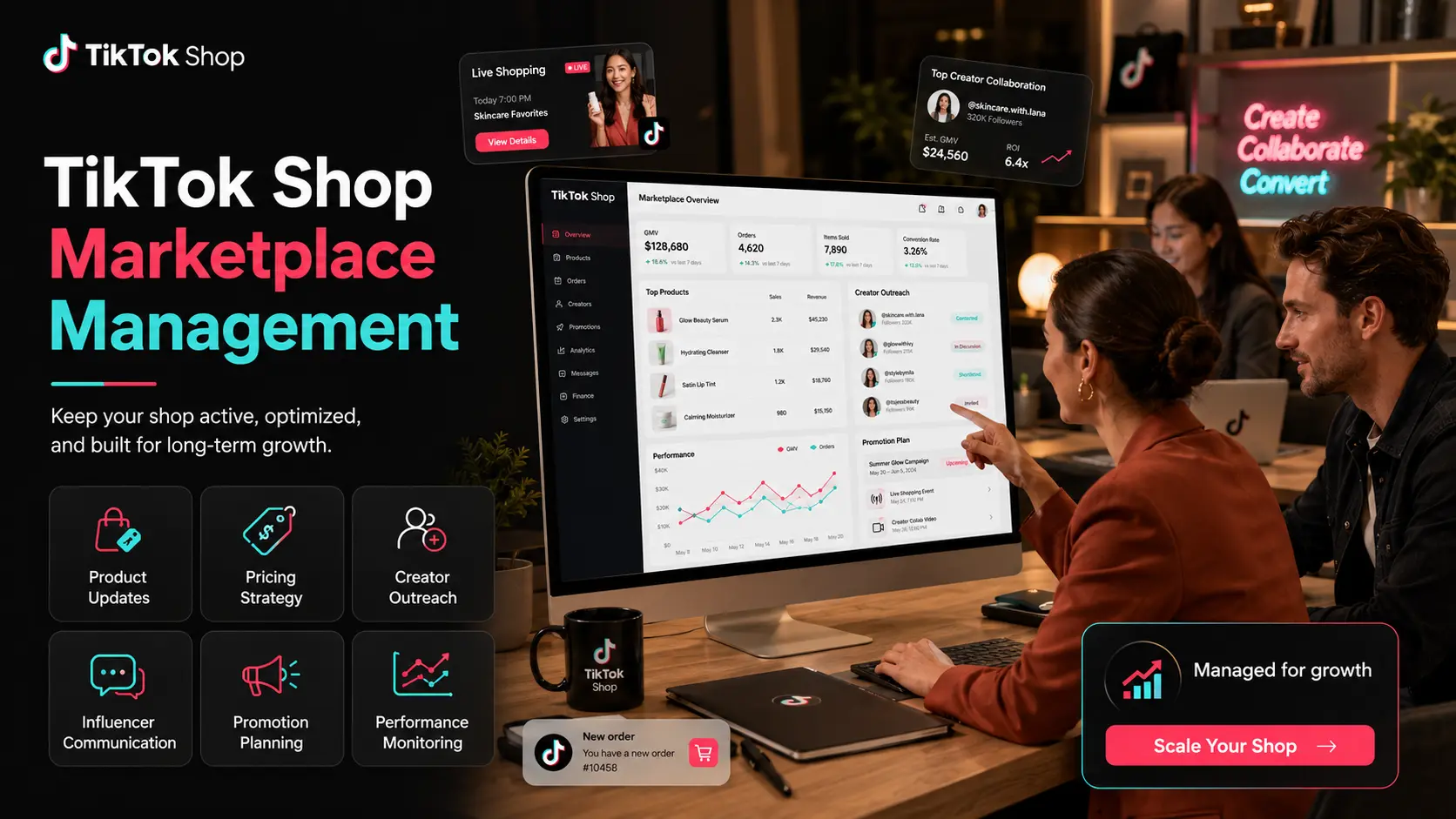
Each of these steps builds on the previous one. A clean catalog feeds better ads. Correct asset ownership prevents mid-campaign failures. Consistent event data enables the algorithm to learn and improve. When the full setup is in place, catalog campaigns can operate as a scalable, performance-driven channel within a broader TikTok Shop strategy.
RGC Mkt specializes in TikTok Shop and social commerce implementation for product-based businesses and ecommerce brands. Their services cover the full setup journey, including Initial TikTok Shop Setup, TikTok Ads Management, Product Listing Optimization, Campaign Planning, and Creator and Influencer Outreach, providing the expertise needed to move from configuration to campaign optimization efficiently. If you want to get your TikTok Shop Ads setup right from the start or need a technical audit of an existing integration, reach out to the RGC Mkt team to discuss how they can support your goals.